
Batch image processing,
without the upload.
Compress, convert, crop and resize 200+ images in one pass — then chain tools together without re-uploading. No watermark. No sign-up. Works offline.
Photos never sent to any server · Free forever
Batch image tools, all local.
Photos never sent to any server · Free forever
Compress, convert, crop and resize 200+ images in one pass — then chain tools together without re-uploading. No watermark. No sign-up. Works offline.
How BulkPicTools is different
One upload. Any number of steps.
Most tools make you download then re-upload between steps. Here, every result flows directly into the next tool — compress → convert → crop → adjust, all in one session.
Every Tool You Need
93 free tools — compress, crop, convert. All local. Nothing uploaded.
Not sure which tool to use? Got a "file too large" error → Compress. Need a passport photo → Crop. iPhone photo won't open on Windows → HEIC to JPG.
Adjust Image Contrast
🔥 Popular 🔒 LocalImage Brightness Adjuster
Black and White Photo Converter (Grayscale)
Bulk Image Color Inverter
Image to HD Converter
Free AI Image Upscaler to Convert Photos to 4K Resolution
Background Remover
Remove Object from Photo
Watermark Remover
Unpixelate Image
Compress Image to 100KB
Compress Image to 1MB
Compress Image to 200KB
Compress Image to 20KB
Compress Image to 2MB
Compress Image to 500KB
Compress Image to 50KB
Bulk Image Compressor
Reddit PFP Compressor
AVIF to BMP Converter
AVIF to GIF Converter
AVIF to ICO Converter
AVIF to JPG Converter
AVIF to PNG Converter
AVIF to SVG Converter
AVIF to WebP Converter
HEIC to JPG Converter
Bulk Image Converter
PNG to JPG Converter
SVG to PNG Converter
Image to AVIF Converter
Image to JPG Converter
Image to PNG Converter
Image to WebP Converter
WebP to JPG Converter
2x2 Photo Cropper
Circle Image Cropper
Bulk Image Cropper
Passport Photo Cropper
Blur Faces in Photos
Blur Image Online
Blur Screenshot Online
Glitch Effect Generator
Image Overlay
Merge Images
Pixelate Image
Round Image Corners
Split Image
Image DPI Checker
DPI Converter
Online EXIF Editor
Online EXIF Viewer
3D Animated GIF Maker
APNG to GIF Converter
Blur GIF Online
Compress GIF to 10MB
Compress GIF to 1MB
Compress GIF to 256KB
Compress GIF to 512KB
Compress GIF to 5MB
GIF Compressor
GIF Cropper
GIF Frame Extractor
Online GIF Editor & Maker
GIF Merger
GIF Resizer
GIF Reverser
GIF Rotator
GIF Speed Changer
Add Text to GIF
GIF to APNG Converter
GIF to Discord Sticker
GIF to Live Photo Converter
GIF to MP4 Converter
GIF to Sprite Sheet Converter
GIF to WebP Converter
GIF Trimmer
Typing Text GIF Maker
Images to GIF Maker
Live Photo to GIF Converter
Sprite Sheet to GIF Converter
SVG to GIF Converter
Video to GIF Converter
WebP to GIF Converter
4x6 Photo Resizer & Cropper
Facebook Image Resizer
Bulk Image Resizer
Instagram Image Resizer
Twitter Image Resizer
YouTube Thumbnail Resizer
Bulk Image Flipper
Bulk Image Rotator
Batch Image Watermark
93 tools · all free · all local
No account · No upload · Works offline
AI — runs entirely in your browser
Local AI. No cloud, no API key, no data sent.
AI models are downloaded once and run on your CPU/GPU — the same way a desktop app would. Not a cloud API wrapper.
Background remover
AI LiveBatch remove backgrounds from product or portrait photos — transparent PNG, no upload
Face blur
AI LiveAI detects faces automatically, one-click batch blur or pixelate across albums
Image upscale
AI LiveSuper-resolution upscaling — 2× / 4× without quality loss
Watermark remover
AI LiveDetect and cleanly remove watermarks from batch images
Photo enhance
ComingAuto sharpen, denoise, and restore old or low-light photos
Auto-classify
ComingGroup photos by content — people, scenes, products — automatically
WebAssembly + WebGPU. Models run locally in your browser. First use downloads the model; after that it works offline too. Your images are never sent anywhere.
Scene pages
Not just tools — complete workflows.
Each scene page combines multiple tools into a single guided flow for a specific task. No jumping between tools, no figuring out what order to do things.
Batch Image Processing Workflow
LiveUpload your images once, apply multiple processing steps in sequence, and download the completed batch without moving files between separate tools.
App Icon Package Generator
LiveUpload one square image and export a ready-to-use icon package for Web/PWA, Android and iOS — including favicons, manifests, launcher resources, AppIcon.appiconset files and setup snippets.
App Screenshot Generator
LiveUpload your app screens, add captions and a branded layout, then export store-ready image sets for iPhone, iPad, Android phones, and tablets — all locally in your browser.
Contact Sheet Maker
LiveBuild a printable contact sheet with file names and numbers. Arrange your photos, pick A4 or US Letter pages, and download a multi-page PDF or page images — all locally in your browser.
Drawing Grid Tool
LiveAdd customizable drawing grids to one or multiple reference images. Create matching blank grids and download your results in your browser—no upload, ever.
Create an EPUB Book from Image Pages
LiveTurn ordered PNG, JPG, and WebP pages into one EPUB ebook. Resize and compress images before export — everything runs in your browser.
E-commerce batch
In devRemove bg → compress → resize to 1000×1000 for Shopify, Amazon, Taobao.
Social media sizes
Planned1 upload → 9 platform sizes: Instagram, X, LinkedIn, YouTube, Facebook.
Not all image tools are built the same.
Most online tools send your files to a server, process one image at a time, or lock key features behind a paywall.
| Feature | BulkPicTools | Cloud compression tools | Single-image editors | Online Photoshop alternatives |
|---|---|---|---|---|
Files never uploaded 100% local processing | Always | |||
Batch 200+ images Process whole folders at once | Unlimited | Partial | ||
Tool chaining Compress → convert → crop, no re-upload | Full support | Partial | ||
Local AI models Runs on your CPU/GPU, no API | WebGPU / WASM | Partial | ||
ZIP / folder input Drop a whole archive at once | Yes | |||
Works offline No internet after first load | Yes | |||
Free, no account No watermark, no daily limit | Forever free | Partial | Partial | Partial |
Scene pages End-to-end guided workflows | Growing library |
Based on publicly available information. Tool categories are descriptive, not brand names.
How to batch edit photos online?
BulkPicTools is the simplest free online bulk photo editor. You don't need Photoshop to process multiple images at once. Just follow these 4 steps:
1. Select Files
Drag & drop your images. No upload wait time.
2. Process Locally
Your browser does the math.
Data never leaves device.
3. Instant Save
Download processed files immediately. No server limits.
Ready to take control of your images?
Join thousands of users processing images locally and securely.
Latest from Blog
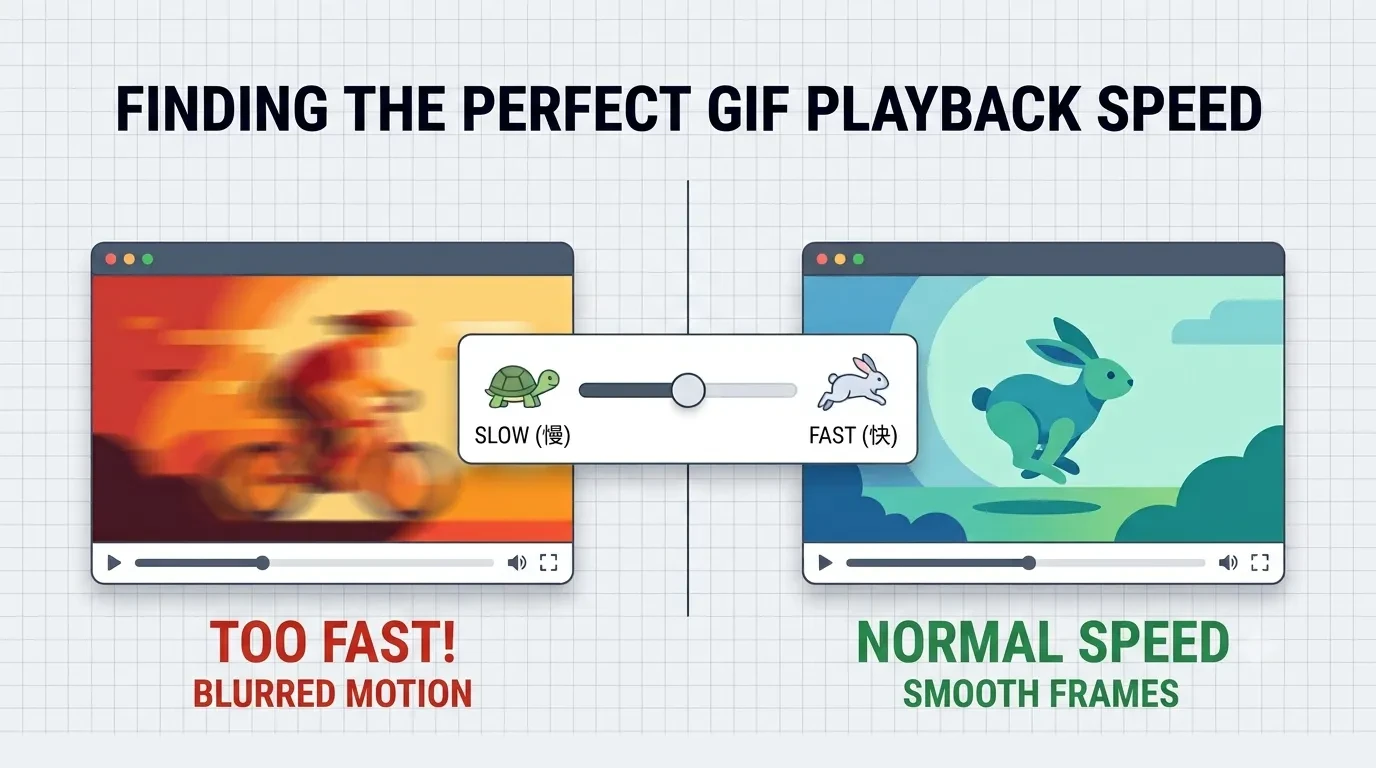
Why Your GIF Looks Too Fast or Too Slow (And How to Fix It)
How to Convert a GIF to a Live Photo for iPhone — Free, No App Needed (2026)
How to Remove Unwanted Objects from Photos — 5 Best Free Tools (2026)
How to Convert a GIF to a Live Photo for iPhone — Free, No App Needed (2026)
How to Remove Unwanted Objects from Photos — 5 Best Free Tools (2026)
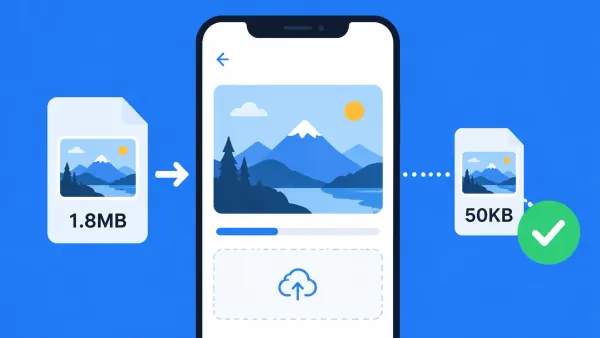
How to Make a Photo Exactly 50KB — Free Tool, No Upload (2026)
Frequently Asked Questions
Yes. All 93 tools on BulkPicTools are 100% free — no account required, no watermark, and no hidden fees. Simply open any tool, drop in your image, and download the result instantly.