Logo
BulkPicTools

Free Drawing Grid Tool

Add customizable drawing grids to photos and create matching blank grids—free, local, and private.

Processed locally in your browser Free
Advertisement
Upload reference photos

Add one or more images. Everything is processed locally—nothing is uploaded.

Key Features of Drawing Grid Tool

Batch grid drawing

Apply one grid layout to many photos at once and download a ZIP with every result. Great for batch grid drawing of a whole reference set.

Square or rectangular cells

Use square grid maker mode for even cells, or set custom rectangle dimensions in pixels. A flexible grid template for drawing any photo.

Matching blank grids

Get a blank drawing grid for each photo so your paper grid lines up with the reference. Export a transparent grid overlay or a printable drawing grid.

Custom lines, labels & more

Control line color, thickness and opacity, add labels, diagonals, or a grayscale reference. Draw grid lines on image exactly how you want.

How to add a drawing grid

1

Upload photos

Add one or many reference images. Nothing is uploaded to a server.

2

Choose grid settings

Set rows and columns, cell shape, line color, thickness, opacity, labels and diagonals.

3

Preview the overlay

See the grid overlay for drawing on the current photo before exporting.

4

Download ZIP

Get a reference grid and a matching blank grid for every photo in one local download.

How the grid transfer works

One photo in, two aligned grids out — then copy the reference onto your paper square by square.

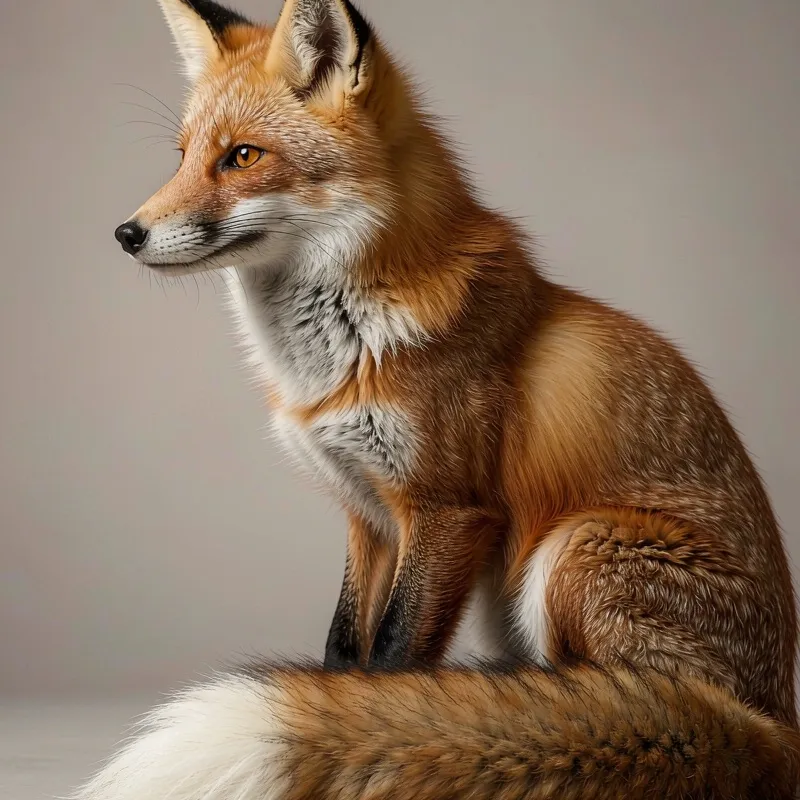
  1. Your photo1

    Your photo

    Upload any reference image. It stays on your device, and nothing is uploaded.

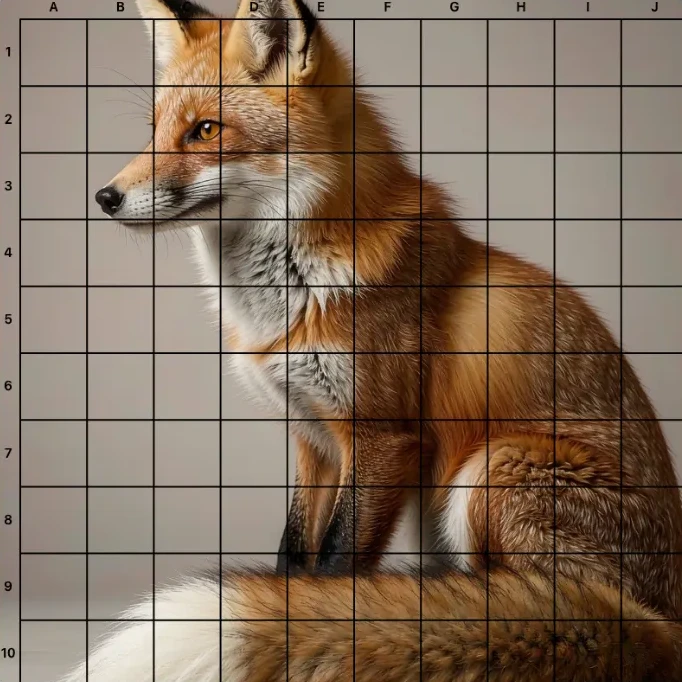
  2. Reference grid2

    Reference grid

    The same photo with a drawing grid and labels drawn over it, ready to trace or print.

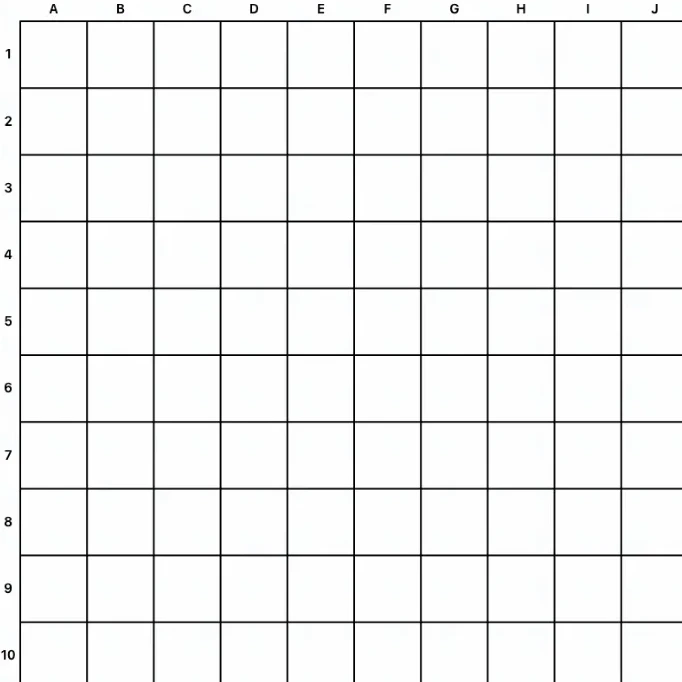
  3. Blank grid3

    Blank grid

    An empty grid with the exact same layout and labels, so your paper lines up with the photo.

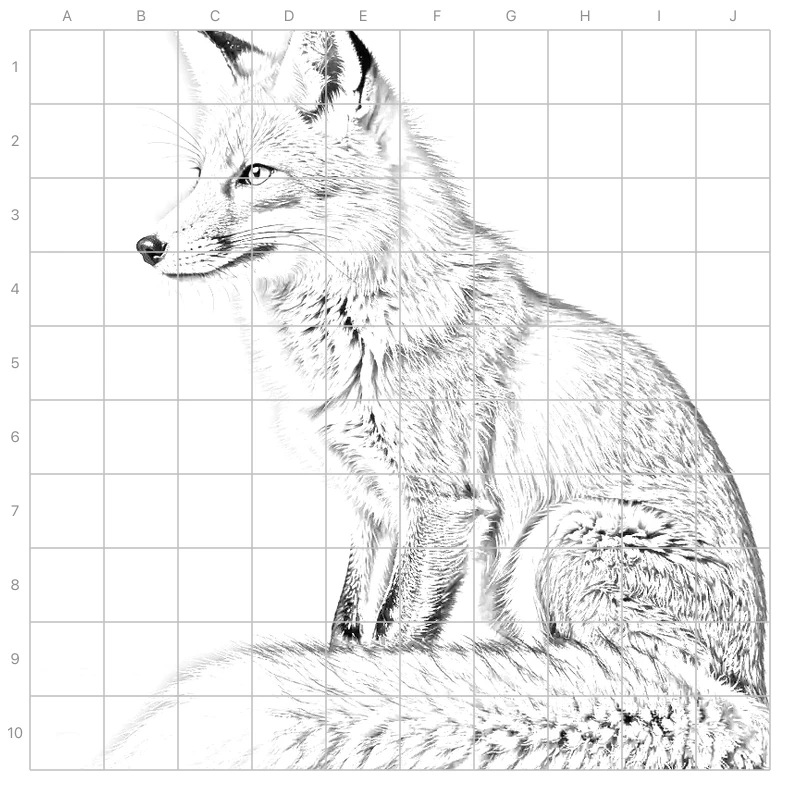
  4. Sketch on paper4

    Sketch on paper

    Print the blank grid and copy it square by square to build an accurate drawing.

What's in the ZIP

Every photo produces two aligned grids you can print and trace.

reference-grids/

Your photo with the drawing grid overlay applied—ready to trace or print.

blank-grids/

An empty grid with the same layout and labels, so your paper matches the reference.

README.txt

A short note listing the layout used and confirming all processing stayed local.

Who uses the drawing grid tool

Artists & illustrators

Transfer photo references to paper or canvas with accurate proportions using a square grid.

Art teachers

Assign grid drawing practice and hand out matching blank grids for students to complete.

Students & hobbyists

Practice observation and proportions at home with a free, no-install grid drawing online tool.

Tattoo & design prep

Map a reference into cells before inking or laying out a repeating pattern.

Advertisement

How a drawing grid generator helps you transfer a photo

A drawing grid generator turns any reference photo into a gridded copy you can copy square by square. Artists, students and teachers use a drawing grid maker to break a complex image into manageable cells. Start with a photo grid drawing of your subject, then build a drawing reference grid that maps each cell to your paper. You can also keep a grid template for drawing so every study uses the same proportions. Even a quick grid draw helps you place eyes, horizons and edges far more accurately than freehand.

Using a grid overlay for drawing and painting

The most useful habit is to pair the reference with a blank grid. This grid drawing tool, a grid maker for drawing, lets you add a grid overlay for drawing over the photo and export a matching empty grid. Because both share the same layout, your grid for drawing lines up perfectly with the source. Unlike a plain grid maker, this free grid maker for drawing is built for artists: square cells, labels, diagonals and a grayscale option. The result is a clean drawing grid you can print and trace with confidence.

How to use

1

Upload one or more reference photos

Drop the pictures you want to trace. All files stay on your device—this is a local grid drawing tool with no upload.

2

Set rows, columns and line style

Pick square or rectangular cells, choose line color, thickness and opacity, and turn on labels or diagonals.

3

Generate reference and blank grids

Preview the grid overlay for drawing, then export each photo as a reference grid plus a matching blank grid in one ZIP.

Related Tools

Related Scenes

Frequently Asked Questions About Drawing Grid Tool

A grid drawing tool overlays a grid on a reference photo so you can copy it cell by cell. The grid for drawing acts like graph paper, making proportions and placement much easier than freehand sketching.