
Why Your GIF Looks Too Fast or Too Slow — And How to Fix It in Seconds
GIF playing too fast or too slow? Fix the speed in seconds — no upload, no watermark.
You found the perfect reaction GIF. You send it in chat. But it plays so fast the punchline is gone before anyone reads it. Or maybe it's so slow people lose interest halfway through.
The speed feels wrong, but you didn't change anything. What happened?
Why Do GIFs Play at the Wrong Speed?
GIF speed problems usually come from one of three causes:
Source mismatch. When a GIF is made from a video, the frame rate might not convert cleanly. A 30fps video converted to a 15fps GIF can look choppy. A 24fps animation saved at 30fps looks sped up.
Platform compression. Some platforms (like Twitter or WhatsApp) re-encode GIFs to save bandwidth. This can change frame timing, making the animation play faster or slower than intended.
Creator intent vs. viewer expectation. The person who made the GIF might have intended a specific speed for dramatic effect, but in your context it feels off. A slow-motion GIF that works in a tutorial feels sluggish in a chat reaction.
The good news: you can fix all of these in seconds.
How to Fix GIF Speed: 3 Simple Steps
Step 1 — Upload Your GIF
Go to BulkPicTools GIF Speed Changer. Drag and drop your GIF, or click to select it from your device.
Everything runs in your browser — your GIF is never uploaded to any server.
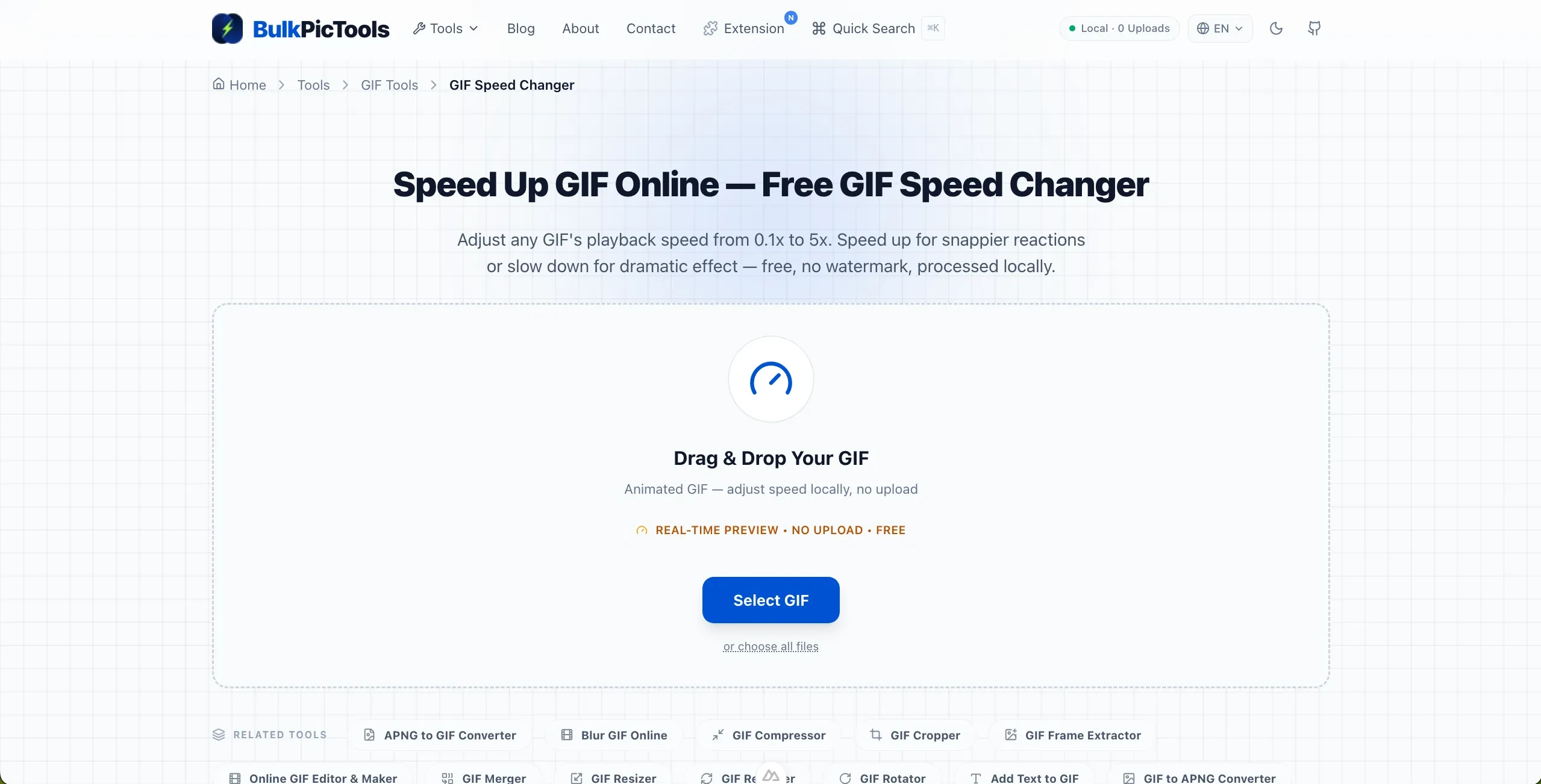
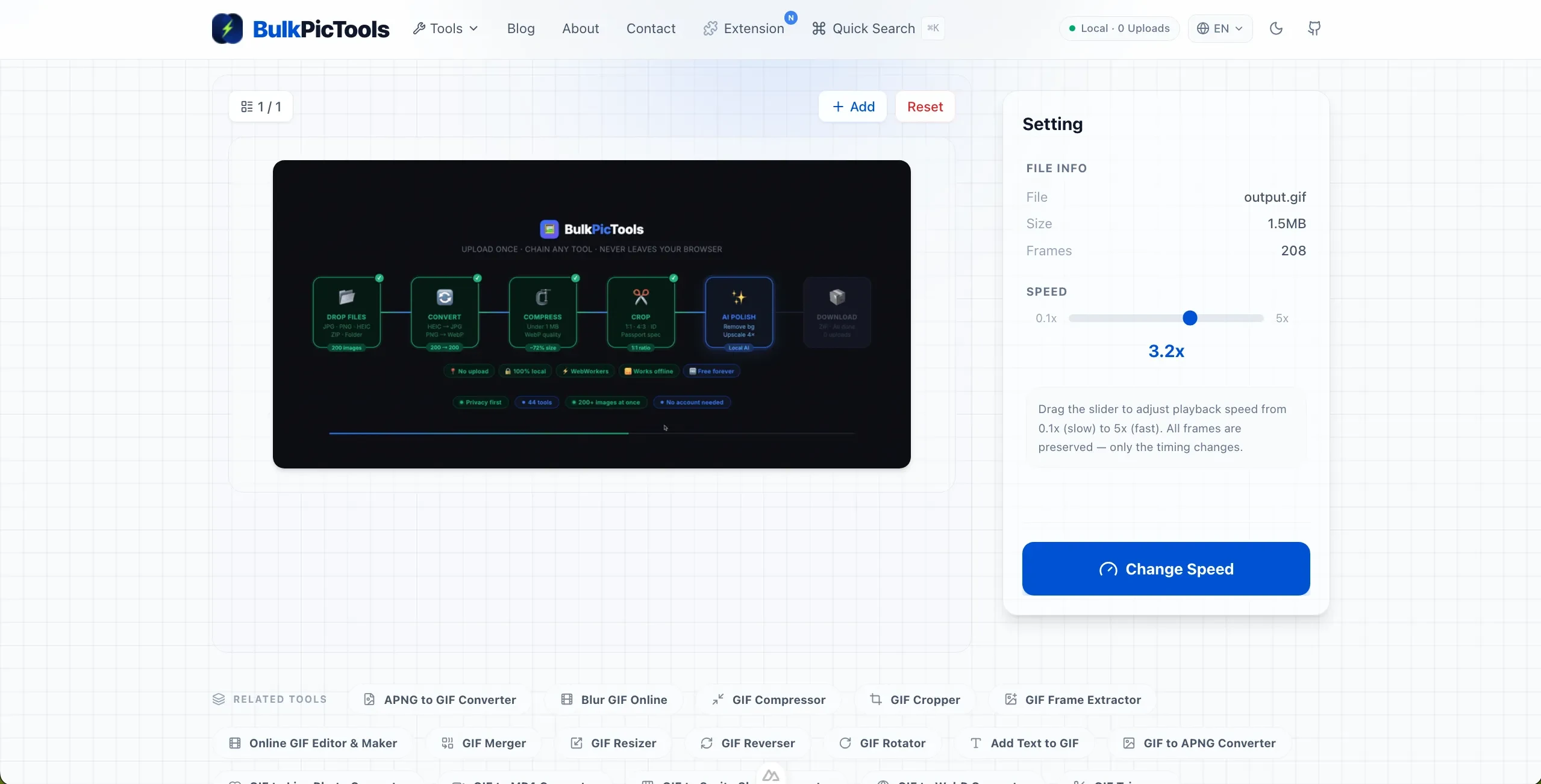
Step 2 — Adjust the Speed Slider
Drag the slider to change the speed:
- Right (faster) — Speed up a slow GIF. At 2x, the animation plays twice as fast.
- Left (slower) — Slow down a fast GIF. At 0.5x, the animation plays at half speed.
The preview updates instantly as you drag, so you can find the perfect pace.
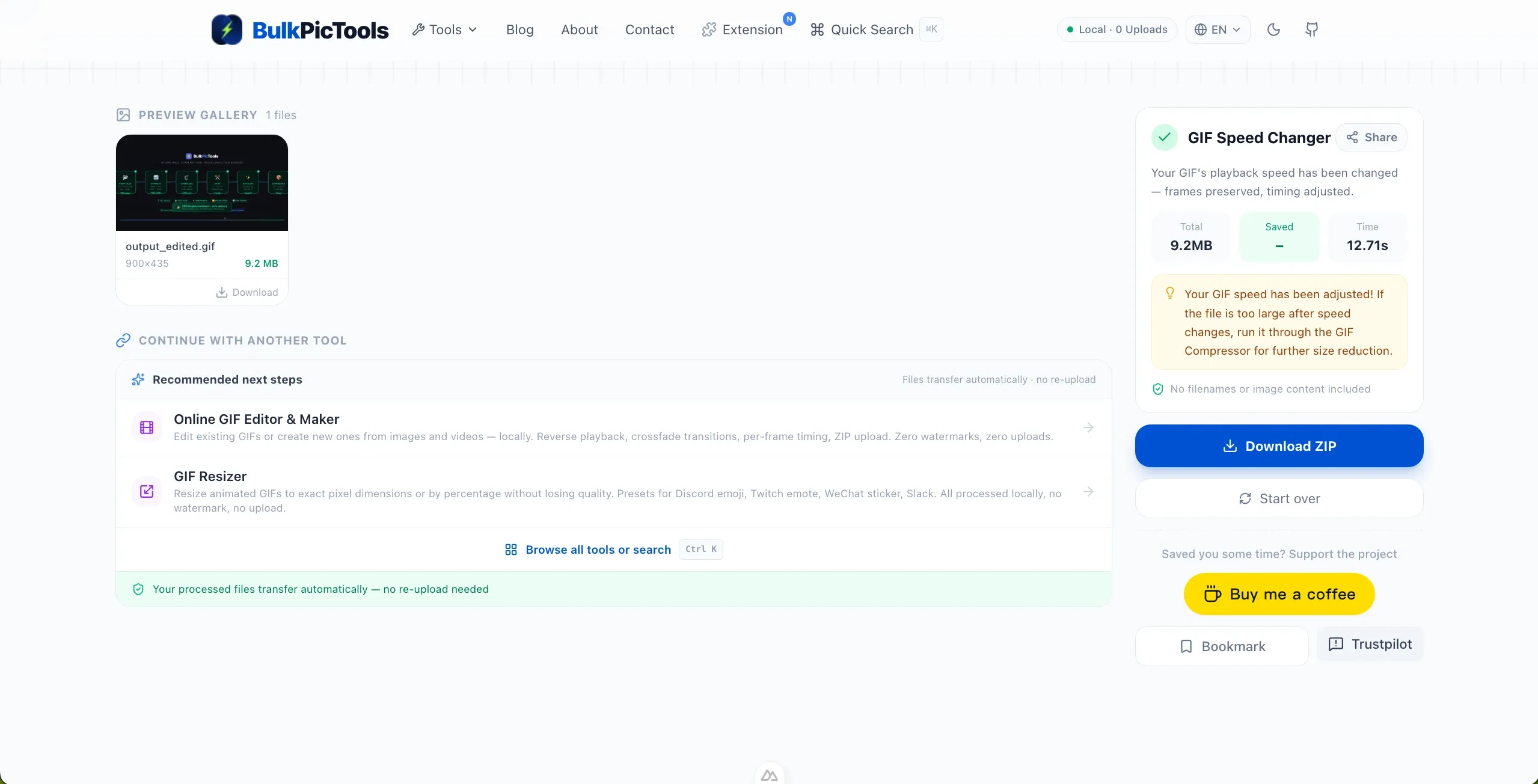
Step 3 — Download the Fixed GIF
Click the download button. The modified GIF keeps every original frame — only the playback speed has changed. No watermark, no signup required.
What Speed Should You Use?
Different situations call for different speeds. Here's a quick guide:
| Use Case | Recommended Speed | Why |
|---|---|---|
| Chat reactions (Discord, Slack) | 1.5x–2x | Snappy without looking rushed |
| Social media posts | 1.2x–1.5x | Holds attention in fast-scrolling feeds |
| Tutorials / demos | 2x–3x | Cuts boring parts, keeps key moments |
| Sports / dance highlights | 0.5x–0.7x | Lets viewers appreciate the action |
| Cinematic slow-motion | 0.2x–0.4x | Dramatic effect, works best with 10+ frames |
| Memes / comedy | 0.8x–1.2x | Natural timing for jokes to land |
Pro tip: If you're making a reaction GIF for Discord, aim for 1.5x–2x. Most chat windows are small, and faster GIFs feel more energetic.
How GIF Speed Actually Works
Every GIF frame has a "delay" value that controls how long it displays before the next frame appears. When you speed up a GIF to 2x, each frame's delay is cut in half. When you slow it down to 0.5x, each delay is doubled.
The total number of frames stays the same. No frames are added or removed. This means:
- Animation smoothness is preserved — no stuttering or skipping
- File size stays nearly identical — only the timing metadata changes
- Image quality is untouched — no re-encoding, no compression artifacts
This is why speed adjustment is one of the safest GIF edits you can make.
When Speed Isn't the Problem
Sometimes a GIF feels wrong, but speed isn't the issue:
Too many frames for the content. A simple animation with 50 frames might feel sluggish at normal speed because each frame shows too little change. Trimming frames (not speeding up) often works better.
Loop point is jarring. If the first and last frames don't connect smoothly, the loop feels broken. This isn't a speed problem — it's an editing problem. Try using a GIF reverser to play it backwards, or trim the awkward parts with a GIF trimmer.
File is too large to auto-play. On some platforms, large GIFs don't auto-play — they show as static images until clicked. If this is your issue, you need compression, not speed adjustment. Use a GIF compressor to reduce file size.
Advanced: Combining Speed with Other Edits
Speed adjustment works great with other GIF edits:
Speed up + compress. A faster GIF is shorter in duration, which means fewer frames to compress. Speed up first, then compress for the smallest file size.
Slow down + reverse. Create a dramatic boomerang effect: slow down the GIF, then reverse it. The result plays forward slowly, then backward slowly.
Speed up + trim. If only part of a GIF is too slow, trim that section first, then speed up just the trimmed clip.
Batch processing. Need to fix the speed on multiple GIFs? Upload them all at once, set the speed once, and download each corrected file individually.
FAQ
Why does my GIF play too fast on Discord but normal everywhere else?
Discord doesn't change GIF playback speed. If it looks faster on Discord, the issue is usually that the GIF is being displayed smaller (making fast motion more noticeable), or the original GIF had platform-specific timing that doesn't translate well.
Can I speed up only part of a GIF?
Not with the speed changer alone. First, trim the segment you want to speed up using a GIF trimmer, then adjust the speed on the trimmed clip. This gives you per-segment speed control.
Will speeding up a GIF make the file smaller?
Slightly. A faster GIF has shorter total duration, which means fewer frames to store in the file. The effect is small (usually under 10% reduction), but it helps when combined with compression.
Why does my GIF look choppy when I slow it down?
If the original GIF has very few frames (under 10), slowing it down makes each frame display longer, which can feel choppy. For smooth slow-motion, start with a GIF that has more frames — ideally 15 or more.
Can I change GIF speed without losing quality?
Yes. This tool only changes the frame delay values — the actual image frames, dimensions, and colors are completely untouched. Your GIF looks identical, just faster or slower. No re-encoding, no quality loss.
What's the maximum speed I can set?
You can set speeds from 0.1x (10x slower) to 5x (5x faster). Most useful speeds fall between 0.5x and 3x. Extreme speeds (like 5x) work best for short, simple animations.
Quick Recap
GIF speed problems are usually caused by source mismatch, platform compression, or context mismatch. You can fix any of these in seconds with a free online GIF speed changer.
The key points:
- Speed adjustment only changes timing — no quality loss, minimal file size change
- 1.5x–2x is the sweet spot for chat reactions
- For slow-motion effects, start with GIFs that have 15+ frames
- Combine speed changes with compression for the smallest files
→ Fix your GIF speed — free, no upload needed
Other GIF Tools
- GIF Compressor — Reduce GIF file size while keeping quality. Perfect for hitting platform size limits.
- GIF Reverser — Play any GIF backwards. Great for creating boomerang effects.
- GIF Trimmer — Cut out the boring parts. Trim start and end points with precision.
- GIF Maker — Create GIFs from images with full control over speed, looping, and output size.
Have questions or feedback? Contact