
バッチ画像処理を、
アップロードなしで。
200枚以上の画像を一括で圧縮・変換・トリミング・編集。処理後はそのまま次のツールに引き継げます。再アップロード不要。Canvas + WebWorkers、オフライン対応。
画像はサーバーに送信されません · 永久無料
バッチ画像ツール、すべてローカル。
画像はサーバーに送信されません · 永久無料
200枚以上の画像を一括で圧縮・変換・トリミング・編集。処理後はそのまま次のツールに引き継げます。再アップロード不要。Canvas + WebWorkers、オフライン対応。
BulkPicToolsの違い
1回のアップロードで、何ステップでも。
他のツールはステップごとにダウンロード&再アップロードが必要です。ここでは処理結果がそのまま次のツールに流れます — 圧縮→変換→トリミング→調整、すべて1セッションで。
必要なツールがすべて揃っています
84種類の無料ツール — 圧縮・トリミング・変換。すべてローカル処理。アップロード不要。
どのツールを使えばいいか迷ったら? 「ファイルが大きすぎる」エラー → 圧縮。証明写真が必要 → トリミング。WindowsでiPhoneの写真が開けない → HEICをJPGに変換。
画像コントラスト調整
🔥 人気 🔒 ローカル処理くすんだ写真が気になる?一括でコントラストを上げて、Photoshop不要で仕上げましょう。
画像明るさ調整ツール
暗い場所で撮った商品写真でも、まとめて一括で明るくできます — Photoshop不要。
グレースケール変換ツール
50枚のポートレートを統一したクラシックフィルム風のモノクロに。一括変換で数秒で完了。
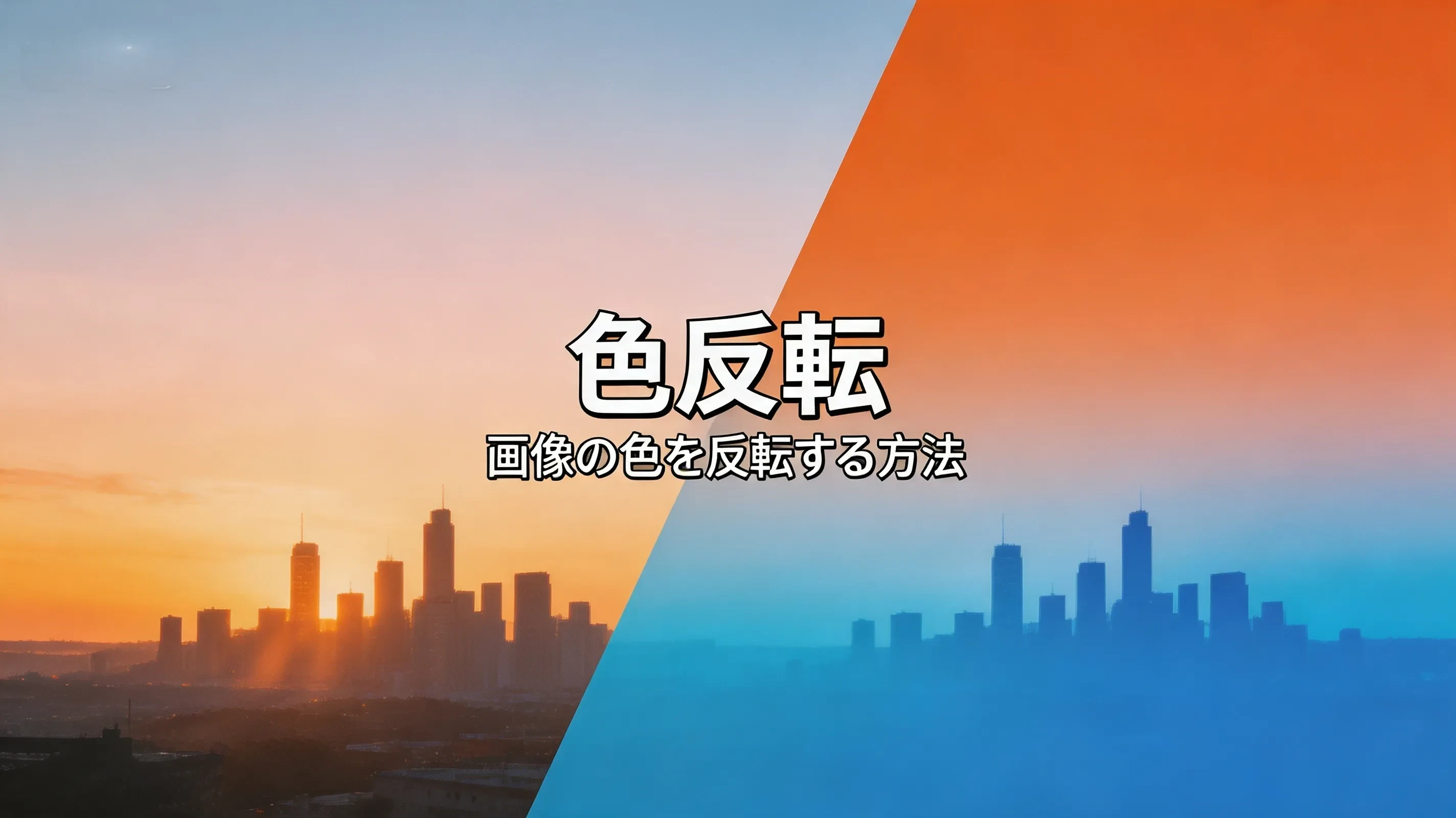
画像色反転ツール(一括対応)
ダークモード用のデザインアセットが必要?PNGをドロップして、ワンクリックで全色反転。
画像をHDに変換
ぼやけたSNS投稿用写真が鮮明なHDに — AI強化、アップロード不要。
AI画像高画質化
印刷用に低解像度の写真が必要。4倍アップスケール — シャープなディテール、透かしなし、登録不要。
背景削除ツール
商品写真が100枚ある。一括背景削除 — 全画像をクリーンな透過PNGに変換。
画像から物体を消す
完璧な写真を撮ったのに観光客が写り込んだ?電線が景色を台無しに?消したい絵文字ステッカーがある?ブラシで塗るだけ — AIが数秒で除去します。画像から物体を消す、写真から人を消すがワンクリックで完了。
透かし除去ツール
隅に著作権透かし?フレームに観光客が映り込んだ?消したい絵文字スタンプがある?ブラシで塗るだけ — AIが3秒以内にきれいな画像に復元します。
画像のピクセル化解除
ピクセル化した写真がAI補正によってより見やすくなり、エッジが滑らかになり、テクスチャが整い、全体の鮮明さが向上する様子。元の画像サイズは維持されます。
画像を100KBに圧縮
採用応募フォームで「ファイルサイズ超過」のエラー。証明写真を100KB未満に圧縮すれば一発で通過します。
画像を1MBに圧縮
LINEやWhatsAppで写真を送ると自動圧縮で画質が落ちる…送る前に1MB未満に圧縮しておけば、きれいなまま共有できます。
画像を200KBに圧縮
ビザ申請、パスポート更新、行政手続きのオンライン書類提出に。
画像を20KBに圧縮
行政ポータルが「最大20KB」と表示。署名画像、アイコン、ファビコンのアップロードに。
画像を2MBに圧縮
ポートフォリオ投稿、プリント品質の写真、2MB制限のあるコンテストに。
画像を500KBに圧縮
メール添付がエラーに。ブログ画像。ECサイトの商品写真。500KBなら確実に届きます。
画像を50KBに圧縮
行政ポータルが「最大50KB」と表示。証明写真、本人確認書類スキャン、印鑑画像のアップロードに。
画像一括圧縮
50枚以上の写真を全部小さくしたい。フォルダごとドラッグ&ドロップ——数秒で完了、アップロード一切なし。
Reddit プロフィール画像圧縮
Reddit アバターがぼやけて表示される?ファイルが大きすぎて Reddit の圧縮で画質が低下。
AVIFをBMPに変換
AVIFをGIFに変換
AVIFをICOに変換
AVIFをJPGに変換
AVIFファイルがエディタで開かない?数秒でJPGに変換。
AVIFをPNGに変換
AVIFのロゴを編集したい?PNGに変換して透明背景を保持。
AVIFをSVGに変換
AVIFをWebPに変換
HEIC JPG 変換
WindowsやAndroidで開けないiPhone写真。200枚以上をまとめてローカル変換 — アップロード不要。
画像一括変換
あらゆる形式に対応。HEIC・WebP・PNG・JPG・AVIFをまとめて変換。
PNGをJPGに変換
30枚のデザイン素材がPNG。Web用にJPGが必要。一括変換で品質を統一設定 — 各ファイルのサイズ削減効果をリアルタイムに確認。
SVGをPNGに変換
iOS、Android、Web用のアイコンセットを出力?すべてのSVGをアップロードし、1x+2x+3xをチェック、倍率別に整理されたZIPをダウンロード。
画像をAVIFに変換
ウェブサイトの画像が大きすぎる?AVIFに変換してサイズを半分に。
画像をJPGに変換
透明PNGが白い枠で表示される?JPGに変換して白背景で塗りつぶし。
画像をPNGに変換
透明背景を保持したい。ロゴ、ステッカー、オーバーレイグラフィックに。
画像をWebPに変換
ウェブサイトの読み込みが遅い。WebPに変換して画像サイズを30〜50%カット。
WebPをJPGに変換
サイトからダウンロードした商品画像がすべて.webp。WordやPhotoshop 2019、プリントサービスのアップロードフォームが受け付けない。一括変換で1分以内に解決。
2x2写真クロップ
米国ビザ、米国パスポート、すべて2×2インチが必須。ワンクリックで規定サイズに。
円形クロップ
プロフィール画像を透過背景の円形にしたい。LinkedIn、X(Twitter)、各種アプリに。
画像一括クロップ
100枚の商品写真をすべて1:1比率に。一括クロップで全画像のサイズを統一。
証明写真クロップ
パスポート申請、ビザ申請、履歴書用写真。規定サイズに正確にクロップ。
顔ぼかし・モザイク加工ツール
どんな写真でも顔をぼかせます。AIが自動検出、または手動でエリアを指定。アルバム全体をまとめて一括処理。
画像をぼかすオンライン
画像をアップロードまたは貼り付け、ガウスぼかし・モザイク・単色塗りつぶしから選んでぼかしたい部分を指定。無料で利用でき、アカウント不要、画像がデバイスから出ることはありません。
スクリーンショットをぼかす
スクリーンショットの一部を数秒でぼかせます。長方形またはフリーハンドブラシで文字を覆い、ぼかし・モザイク・単色塗りつぶしを選択して、安全に共有できるコピーをダウンロードしてください。
グリッチエフェクトジェネレーター
サイバーパンクスタイルのアート制作?レトロVHSエステティック?SNS投稿にグリッチ効果を追加?
画像オーバーレイ
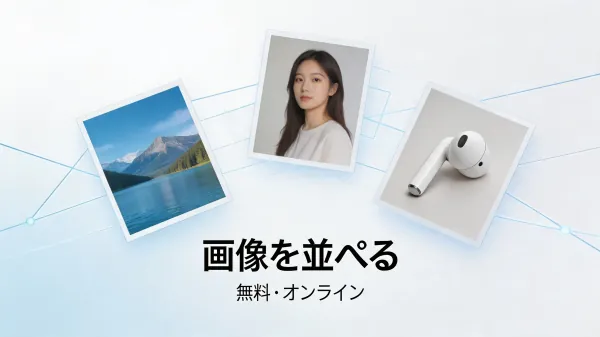
画像結合ツール
画像をドラッグして並べ順を決め、レイアウトを選んで結合・ダウンロード。
画像をピクセル化
スクリーンショットの内容を隠したい?自撮りをゲームボーイ風に?50枚の商品写真をまとめてピクセル化?
画像の角丸め
任意の画像に角丸を追加。均一または各角ごとに半径を設定し、円形またはスムーズ曲線スタイルを選択、透過または塗りつぶし背景を指定できます。
画像分割
Instagram 9グリッド投稿?デザインスライス?巨大な写真をA4プリント用に分割?
画像DPIチェッカー
DPIコンバーター
オンラインEXIFエディター
EXIF Viewer
APNG→GIF 変換ツール
Blur GIF Online
Upload an animated GIF, draw rectangles over the details you need to hide, preview the animation, and download an edited GIF with its original size, frame timing, and loop behavior preserved.
GIF圧縮ツール
GIF クロッパー
GIFフレーム抽出ツール
オンラインGIFエディター&メーカー
GIF 結合ツール
GIFリサイズツール
GIF逆再生ツール
GIF 回転ツール
GIF速度変更ツール
GIF に文字を追加
GIF→APNG 変換ツール
GIFからLive Photo変換
GIFからMP4変換
GIF スプライトシート変換ツール
GIF から WebP への変換
GIF トリマー
タイピング文字GIFメーカー
画像からGIFアニメーション作成
Live PhotoからGIF変換
スプライトシート→GIF変換ツール
動画からGIF変換
WebP から GIF への変換
Facebook画像リサイズ
Facebookのカバー写真やプロフィール写真のサイズが合わない。規定サイズに正確にリサイズ。
画像一括リサイズ
Instagram画像リサイズ
Instagramで写真が変にトリミングされる。フィード、ストーリー、リールの規定サイズにリサイズ。
Twitter画像リサイザー
YouTubeサムネイルリサイズ
YouTubeにアップロードするサムネイルのサイズが合わない。規定サイズに正確にリサイズ。
画像一括反転ツール
画像一括回転ツール
画像一括ウォーターマーク
84種類のツール · すべて無料 · すべてローカル処理
アカウント不要 · アップロード不要 · オフライン対応
AI — すべてブラウザ内で動作
ローカルAI。クラウド不使用、APIキー不要、データ送信なし。
AIモデルは一度ダウンロードされ、あなたのCPU/GPU上で実行されます — デスクトップアプリと同様の方式。クラウドAPIのラッパーではありません。
背景除去
AI 公開中商品写真や人物写真の背景をバッチ除去 — 透過PNG、アップロード不要
顔ぼかし
AI 公開中AIが自動で顔を検出し、アルバム全体を一括でぼかし・モザイク処理
画像拡大
AI 公開中超解像度拡大 — 2× / 4×、画質劣化なし
透かし除去
AI 公開中画像のウォーターマークを自動検出してバッチ除去
写真補正
近日公開自動シャープ化、ノイズ除去、古い写真や低照度写真を修復
自動分類
近日公開内容ごとに写真を自動グループ化 — 人物、風景、商品
WebAssembly + WebGPU。 モデルはブラウザのローカルで実行されます。初回使用時にモデルをダウンロードし、以降はオフラインでも動作します。画像はどこにも送信されません。
シーンページ
ツールではなく、完全なワークフロー。
各シーンページは複数のツールを特定のタスク向けのガイド付きフローに統合しています。ツール間を行き来したり、操作順を考える必要はありません。
証明写真・パスポート写真
公開中トリミング→圧縮→30カ国以上の公式規格に対応。生体認証規格も対応。
home.scenes.items.batch.name
公開中home.scenes.items.batch.desc
アプリアイコン書き出し
開発中1枚のマスター画像からiOS・Android・Web全サイズを命名して出力。
EC商品バッチ処理
公開中背景除去→圧縮→Shopify・Amazon・楽天の出品規格にリサイズ。
SNSサイズ対応
計画中1枚の画像を全プラットフォーム用に — Instagram・X・LINE・YouTube。
すべての画像ツールが同じではありません。
多くのオンラインツールはファイルをサーバーに送信し、1枚ずつ処理し、主要機能を有料プランの後ろに隠しています。
| 機能 | BulkPicTools | クラウド圧縮ツール | 単一画像エディター | オンラインPhotoshop代替 |
|---|---|---|---|---|
ファイルを送信しない 100%ローカル処理 | 常時 | |||
200枚以上のバッチ処理 フォルダ丸ごと一括処理 | 無制限 | 一部対応 | ||
ツール連携 圧縮→変換→トリミング、再アップ不要 | 完全対応 | 一部対応 | ||
ローカルAIモデル CPU/GPU上で実行、APIなし | WebGPU/WASM | 一部対応 | ||
ZIP/フォルダ入力対応 圧縮ファイルをまとめてドロップ | 対応 | |||
オフライン対応 初回読込後はネット不要 | 対応 | |||
無料・アカウント不要 透かしなし、利用制限なし | 永久無料 | 一部対応 | 一部対応 | 一部対応 |
シーンページ エンドツーエンドのガイド付きワークフロー | 随時追加 |
公開情報に基づいて作成。ツールのカテゴリは説明的なラベルであり、ブランド名ではありません。
オンラインで写真を一括編集するには?
BulkPicToolsは、最もシンプルな無料のオンライン画像一括編集ツールです。複数の画像をまとめて処理するのにPhotoshopは不要。たった4ステップで完了します:
1. ファイルを選択
画像をドラッグ&ドロップ。アップロードの待ち時間なし。
2. ブラウザ内で処理
すべての処理はブラウザが行います。
データはデバイスから出ません。
3. すぐに保存
処理完了後すぐにダウンロード。サーバー制限なし。
継続的に成長中
新しいツールを定期的にリリース。
最近追加された機能と、これからの予定をご確認ください。
よくある質問
はい。BulkPicToolsのすべてのツールは100%無料です。アカウント登録不要、透かし(ウォーターマーク)なし、隠れた料金もありません。ツールを開いて画像を選び、結果をすぐダウンロードするだけです。