
Why Client-Side Processing is Best for Bulk Image Resizer (1000+ Photos)
🛡️ Stop giving away your data. Why wait for uploads when your browser is already a powerhouse? Experience the speed of private, 100% local processing.
Introduction: The "20 Images Limit" Frustration
Imagine this: You have a folder with 500 high-resolution product photos that need to be resized for your online store. You open a popular online tool, drag in your files, and immediately get slapped with a popup: "Limit reached. Maximum 20 files allowed."
Suddenly, a 5-minute task turns into a 2-hour nightmare. You are forced to split your batch into twenty-five separate groups, waiting for each upload, processing, and download cycle. Or worse, you are asked to pay a monthly subscription just to resize your own photos.
It doesn't have to be this way. Whether you are an e-commerce manager or a photographer, you deserve a bulk image editor that works as fast as you do. In this guide, we will explain why traditional tools hold you back and how modern client-side processing allows you to batch resize photos—unlimited, free, and instantly—right in your browser.
The Hidden Cost of Server-Side Processing
To understand why BulkPicTools can offer unlimited processing while others can't, we first need to look at how the "old internet" works.
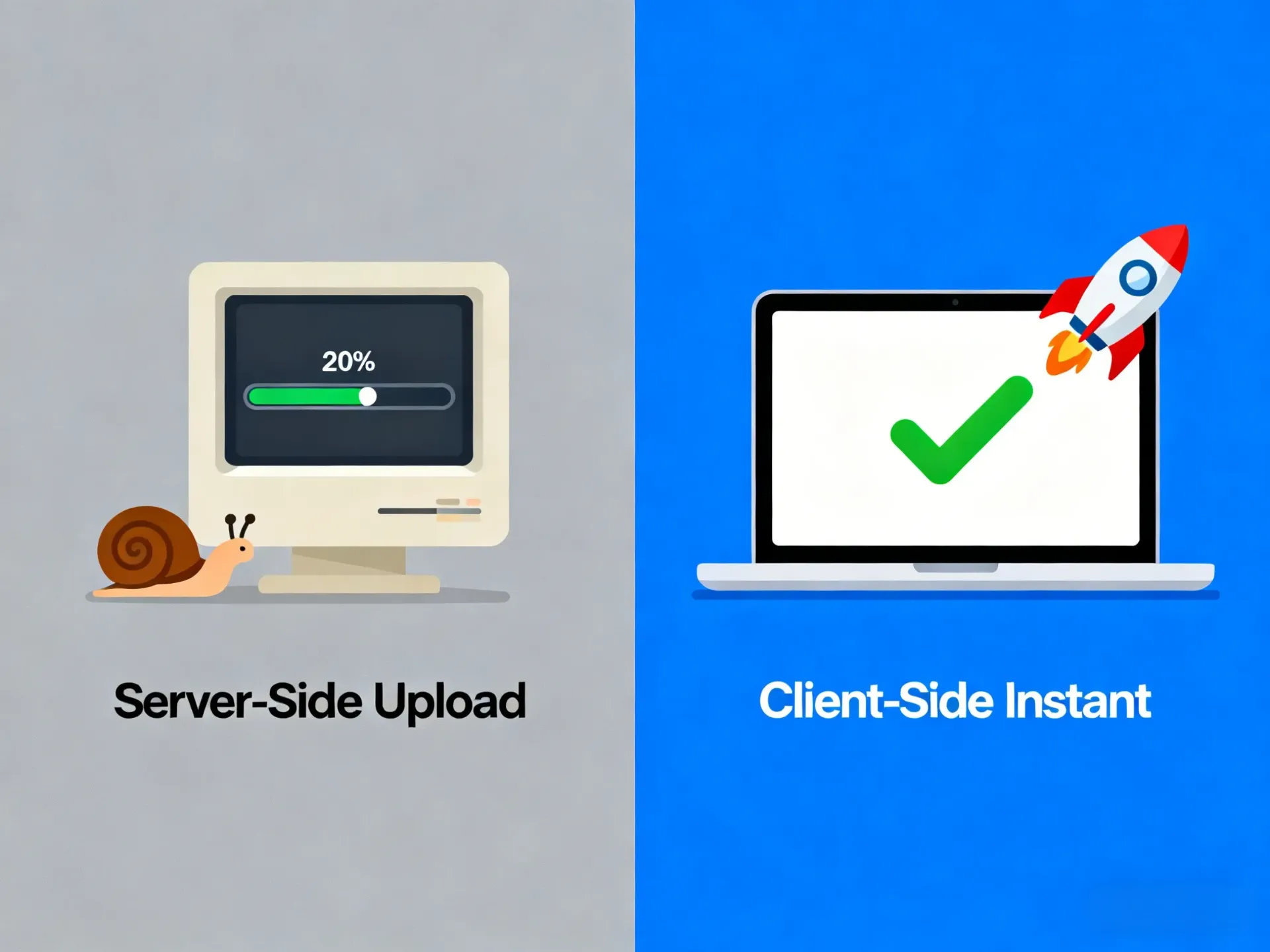
Most online tools operate on a Server-Side model. When you use them, three things happen:
- Upload: You send your files to their remote computer (Server).
- Process: Their computer works on your images.
- Download: You pull the finished files back.
This model has three major flaws for bulk editing:
- The Bandwidth Bottleneck: Uploading 1GB of photos takes time. If your internet flickers, you start over.
- The "Server Tax": Processing images costs money (electricity and CPU). To protect their profits, these sites must cap your usage at 20 or 50 images. They literally can't afford to let you process 1000 photos for free.
- Privacy Risks: Your confidential contracts or personal photos are physically copied to a stranger's server. Do you really know what happens to them after you close the tab?
This is why we built something different.
The Game Changer: What is Client-Side Processing?
So, how do we break the 20-image limit without charging you a fortune? The secret lies in a technology called WebAssembly.
Unlike traditional tools that rely on a remote server, BulkPicTools turns your own browser (Chrome, Edge, or Safari) into a powerful image processing engine. When you use our bulk image editor, the "heavy lifting" happens right on your device's CPU.
This shift from Server-Side to Client-Side Processing unlocks three massive advantages:
- Unlimited Quantity: Since we don't pay for server time, we don't care if you process 10 files or 10,000. The only limit is your computer's RAM.
- Zero Upload Time: Your photos never travel through the internet. Whether they are 5MB or 50MB, processing starts instantly.
- 100% Privacy: For photographers and businesses, this is huge. Your files never leave your computer, making it the safest way to batch resize photos containing sensitive data.
Tutorial: How to Batch Resize 1000+ Images in Minutes
Ready to experience the speed? Here is how to process an entire folder of images in one go using our Bulk Image Resizer.
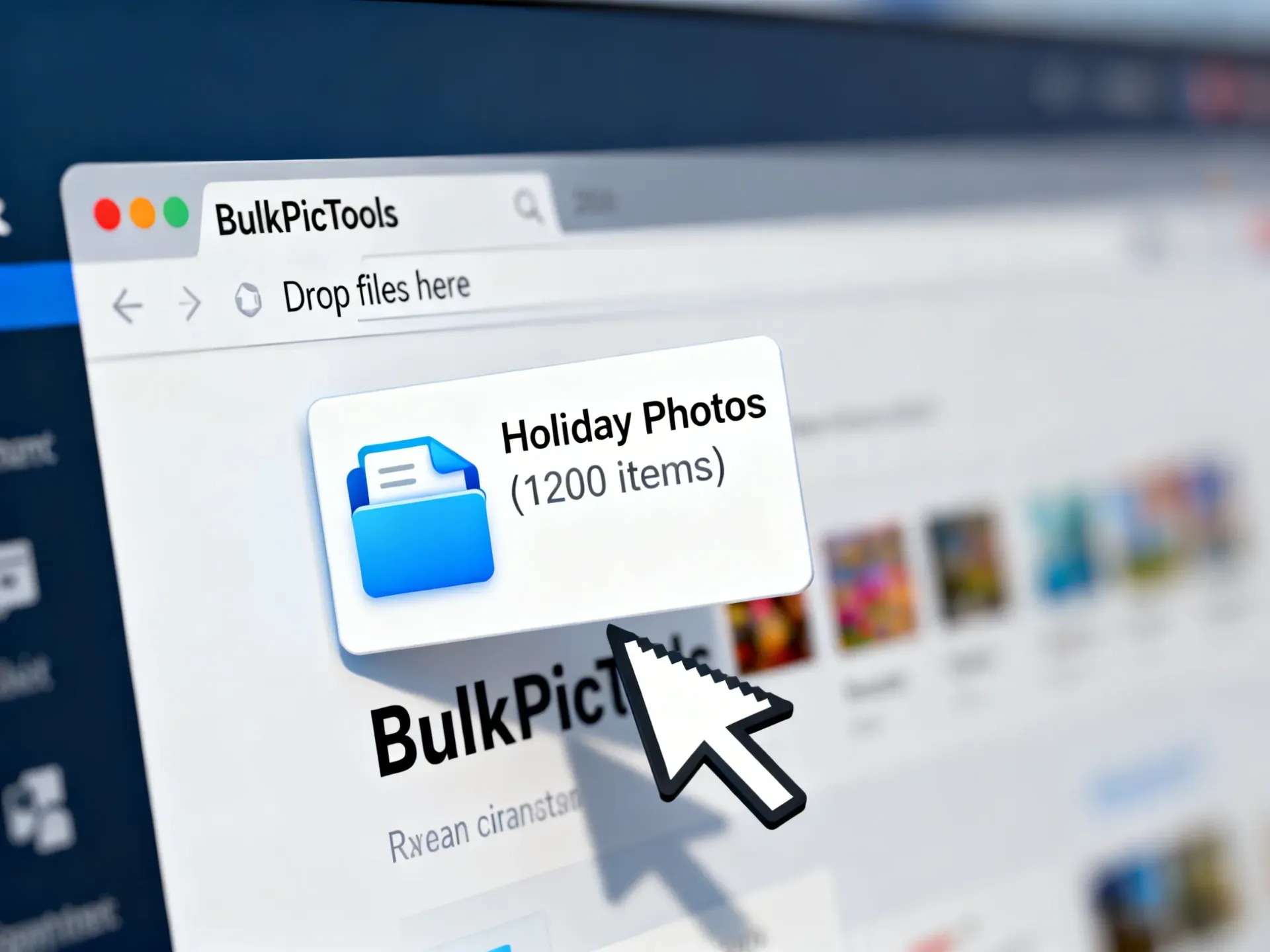
- Drag & Drop Unlimited Files: Open the tool and drop a folder containing hundreds (or thousands) of images. You will see them load instantly.
- Set Your Rules: Choose to resize by percentage (e.g., 50%) or set a fixed width (e.g., 1000px).
- Process instantly: Click "Resize All." Watch as the progress bar flies—processing typically takes milliseconds per image.
- Download as ZIP: Once done, grab all your resized images in a single ZIP file.
Pro Tip: No need to install heavy software like Photoshop. This works on any modern computer, completely free.
Beyond Resizing: The "Seamless Workflow"
The real magic happens after resizing. In traditional workflows, you would have to download your resized images, then re-upload them to another site to compress or convert them. That's a waste of time.
At BulkPicTools, our tools are connected. You can carry your processed images directly to the next step without saving and re-uploading:
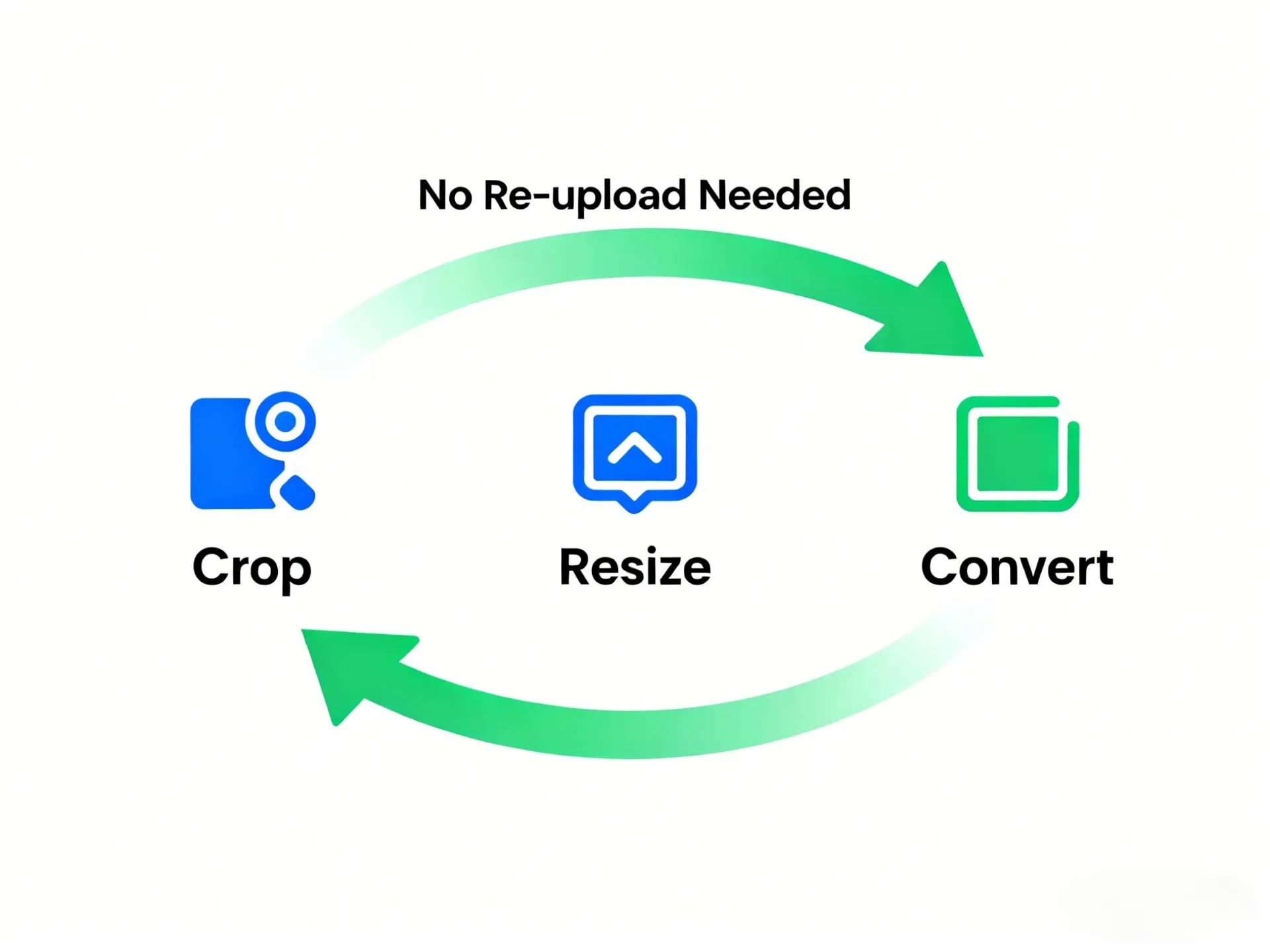
- Step 1: Crop: Start with the Image Cropper to unify the aspect ratio (e.g., all square 1:1) for your product catalog.
- Step 2: Resize: Carry those cropped images directly to the Image Resizer to scale them down to 800px width.
- Step 3: Convert & Compress: Finally, move them to the Image Converter to transform them into high-efficiency WebP or JPG formats, or use the Image Compressor to minimize file size for the web.
This "Pass-Through" capability saves you hours of repetitive manual work, making it the ultimate bulk image editor for professionals.
FAQ: Bulk Image Editing Questions
1. Is "unlimited" really unlimited?
Yes. Because BulkPicTools runs on your own device via WebAssembly, we don't pay for server costs. You can process 1,000, 5,000, or even 10,000 images—as long as your computer's RAM can handle it.
2. Do my photos get uploaded to your server?
No. Unlike other bulk image editors, our technology processes files locally in your browser. Your images never leave your computer, ensuring 100% privacy for sensitive documents.
3. Can I change formats (like PNG to JPG) while resizing?
Absolutely. Our seamless workflow allows you to resize and then instantly switch to the Image Converter tool to export as JPG, WebP, or HEIC without re-uploading.
Conclusion
The era of uploading your files to a slow, limited server is over. By switching to a Client-Side Bulk Image Editor, you regain control over your workflow.
To recap, using BulkPicTools means:
- No Limits: Resize 1,000+ photos in a single batch.
- No Waiting: Instant processing via WebAssembly, zero upload time.
- No Risk: Your data stays 100% private on your device.
- No Interruptions: Seamlessly crop, resize, and convert without re-uploading.
Ready to process your entire photo library in seconds? Don't wait for uploads. Don't pay for subscriptions. Get unlimited power right now.
Have questions or feedback? Contact