
Your Photos Never Leave Your Device.
No uploading. No waiting. No server ever sees your files.Compress, resize, convert — all inside your browser. Works offline too.
Support JPG、PNG、WebP、GIF、HEIC、AVIF
No upload · No account · Free forever
Every Tool You Need
34 free tools — compress, crop, convert. All local. Nothing uploaded.
Not sure which tool to use? Got a "file too large" error → Compress. Need a passport photo → Crop. iPhone photo won't open on Windows → HEIC to JPG.
Grayscale Image
🔥 Popular 🔒 Local50 portrait photos need a consistent vintage film look. Batch convert — all processed in seconds.
Bulk Image Color Inverter
Design asset needs a dark-mode version. Drop your PNGs — invert all colors in one click.
Background Remover
100 product photos that need white backgrounds. Batch remove — clean transparent PNG for every image.
Compress Image to 100KB
Form rejected your photo? Most government & job portals use this limit.
Compress Image to 1MB
WhatsApp, Discord, email — photo too large to send without it going blurry.
Compress Image to 200KB
Visa applications, passport renewals, official document uploads.
Compress Image to 2MB
Portfolio submissions, print-quality images, contests with a 2MB cap.
Compress Image to 500KB
Email attachment bounced back. Blog post images. E-commerce product photos.
Compress Image to 50KB
Government portal says max 50KB. Passport photos, ID scans, signature uploads.
Bulk Image Compressor
You have 50+ photos and need them all smaller. Drop the whole folder — done in seconds, nothing uploaded.
HEIC to JPG Converter
iPhone photos that won't open on Windows or Android. Batch convert 200+ at once — locally, no upload.
Bulk Image Converter
Convert any format to any format. HEIC, WebP, PNG, JPG, AVIF — all at once.
PNG to JPG Converter
30 design assets in PNG. Need JPGs for the web. Bulk convert with one quality setting — see the size reduction for each file in real time.
Image to JPG Converter
Transparent PNG showing a white box instead of transparency? Convert to JPG with white fill.
Image to PNG Converter
Need a transparent background preserved. Logos, stickers, overlay graphics.
Image to WebP Converter
Website loads too slowly. Convert to WebP and cut image size by 30–50%.
2x2 Photo Cropper
US visa, US passport, India OCI — all require exactly 2×2 inches. One click to the right size.
Circle Image Cropper
Profile picture that needs to be a circle with transparent background. LinkedIn, Twitter, apps.
Bulk Image Cropper
100 product photos that need the same 1:1 ratio. Batch crop — consistent sizing across all.
Passport Photo Cropper
Applying for a passport or visa? Crop to the exact 35×45mm or country-specific biometric size.
Online EXIF Editor
Online EXIF Viewer
GIF Compressor
Online GIF Editor & Maker
GIF Resizer
Images to GIF Maker
Video to GIF Converter
Facebook Image Resizer
Bulk Image Resizer
Instagram Image Resizer
Photo keeps getting cropped weirdly on Instagram. Resize to feed, stories, or reels specs.
YouTube Thumbnail Resizer
Thumbnail looks blurry or gets rejected. Resize to the required 1280×720px exactly.
Bulk Image Flipper
Bulk Image Rotator
Batch Image Watermark
34 tools · all free · all local
No account · No upload · Works offline
Traditional vs BulkPicTools
Stop uploading your private photos to random servers. Keep them local.
How to batch edit photos online?
BulkPicTools is the simplest free online bulk photo editor. You don't need Photoshop to process multiple images at once. Just follow these 4 steps:
1. Select Files
Drag & drop your images. No upload wait time.
2. Process Locally
Your browser does the math.
Data never leaves device.
3. Instant Save
Download processed files immediately. No server limits.
Ready to take control of your images?
Join thousands of users processing images locally and securely.
Latest from Blog
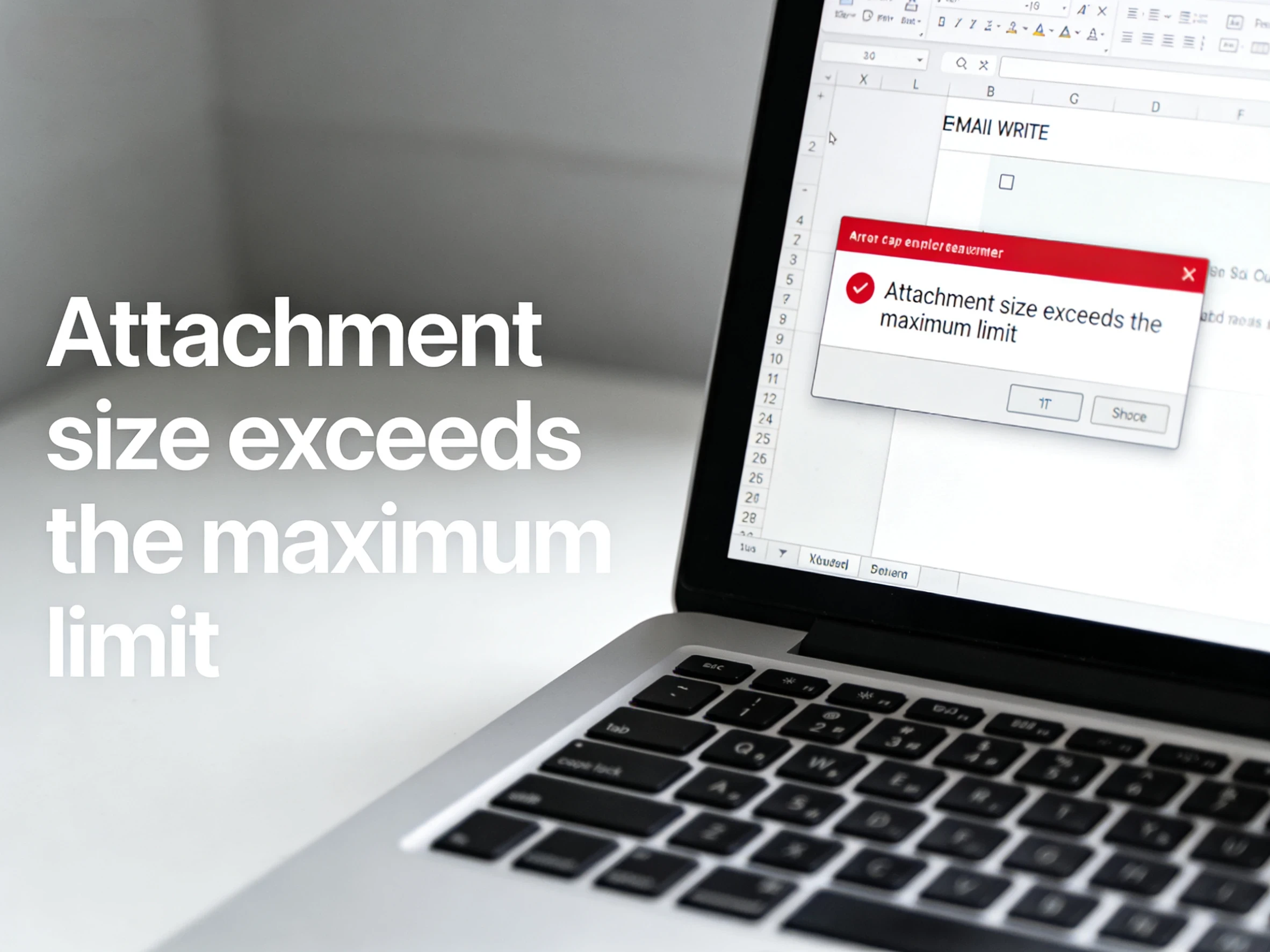
Email Says Your Image Is Too Large? Here's How to Fix It (Any Device)
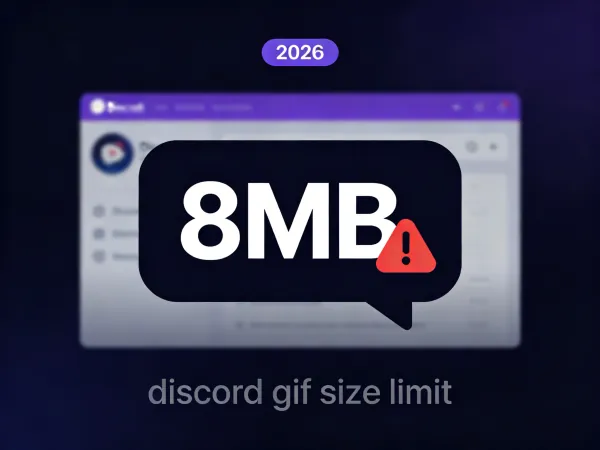
Discord GIF Size Limit Explained (2026): How to Stay Under 8MB
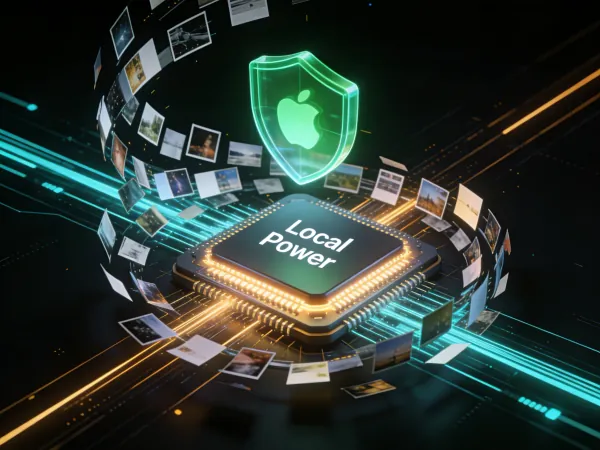
Zero-Server Image Editing:The Future of Bulk Image Processing Speed and Privacy
Discord GIF Size Limit Explained (2026): How to Stay Under 8MB
Zero-Server Image Editing:The Future of Bulk Image Processing Speed and Privacy
2026 Image Conversion Guide:Why Your Website Still Loads Like a Turtle
Frequently Asked Questions
Yes. All tools on BulkPicTools are 100% free — no account required, no watermarks, and no hidden fees. Simply open any tool, upload your image, and download the result instantly.