
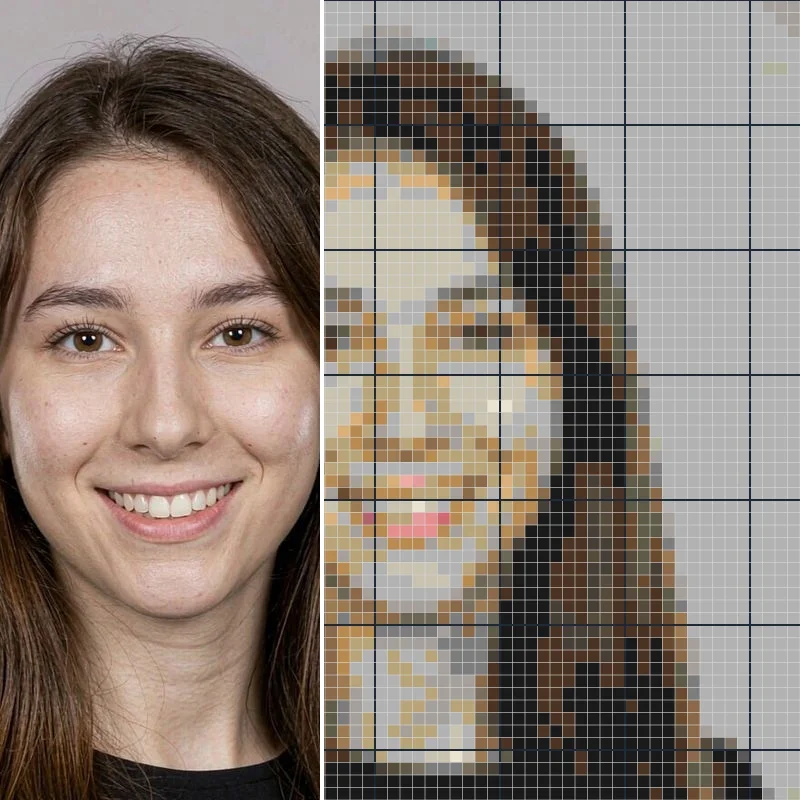
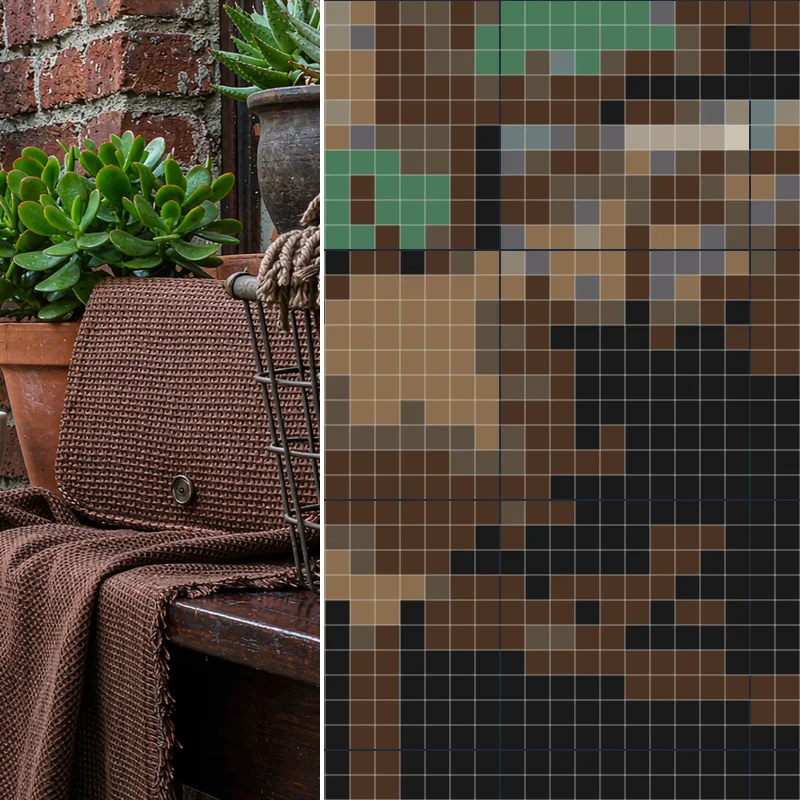
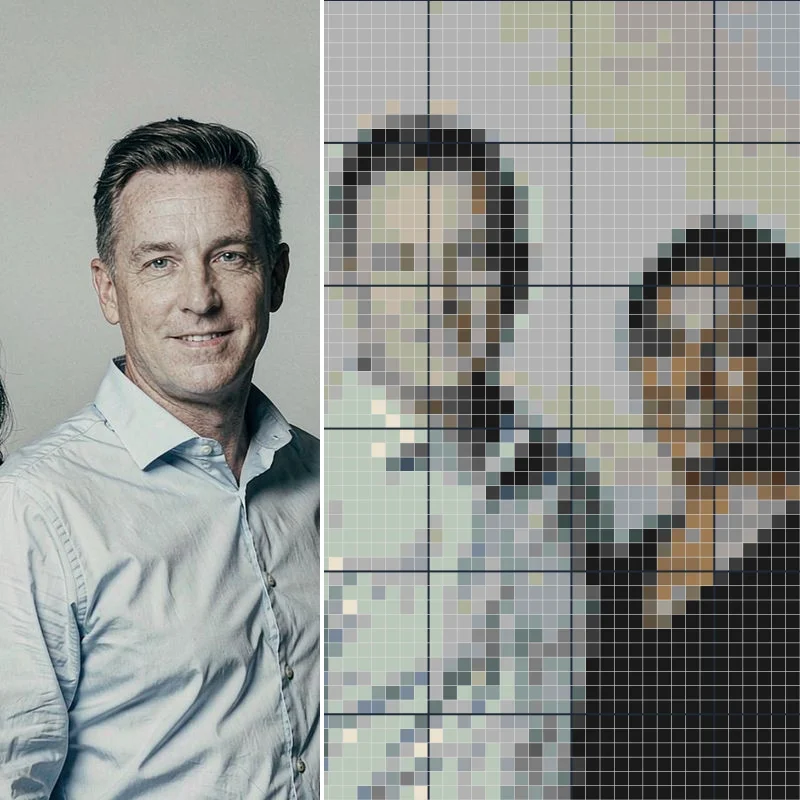
Convert a Photo to a Cross Stitch Pattern
Turn a photo into a printable cross stitch chart. Set stitch size and colors, edit your pattern, and export a PDF or PNG—free and private in your browser.
Upload a photo or try the sample to start.
JPEG, PNG or WebP. Everything is processed locally—nothing is uploaded.
More stitches = more detail and a larger project.
Closest colors are merged when the limit is lower than what the photo uses.
The download uses your current edits. No watermark, no sign-up.
Upload a photo or try the sample to start.
Fitur Utama Photo to Cross Stitch Pattern
Photo to pattern in seconds
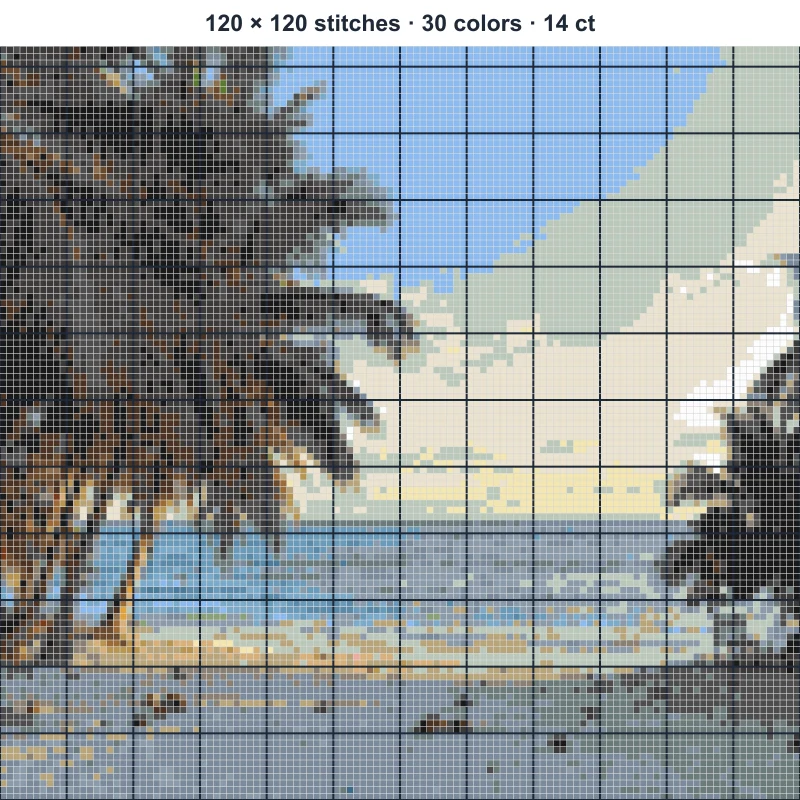
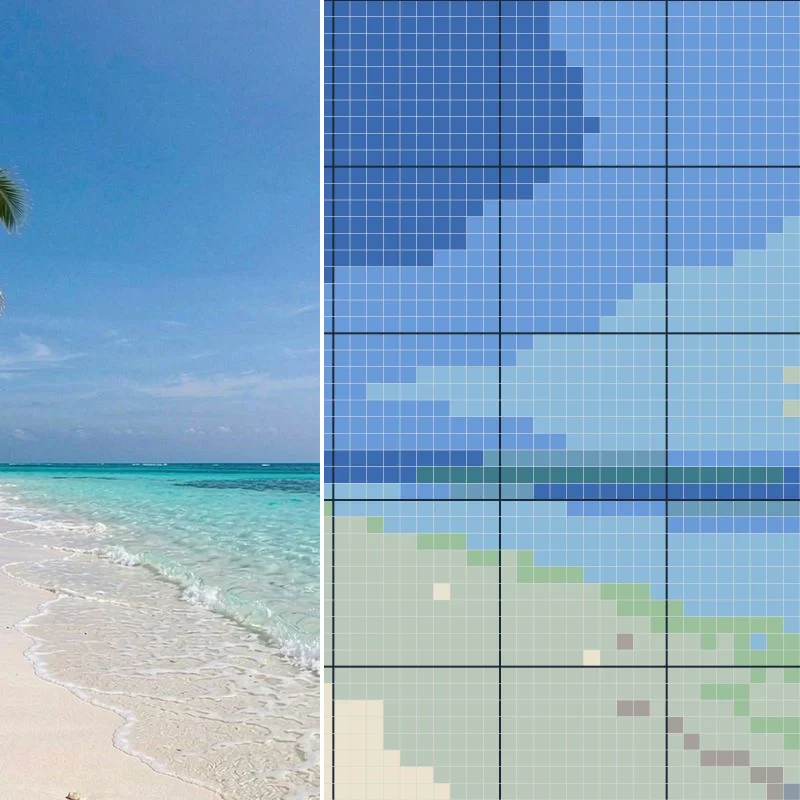
Drop a photo and convert it into a cross stitch pattern. The generator maps your colors to DMC floss and builds a stitch grid you can actually sew.
Stitch size and color control
Set the pattern width in stitches, pick a fabric count like 14 ct, and limit the maximum colors. See the estimated finished size before you start.
Edit the chart
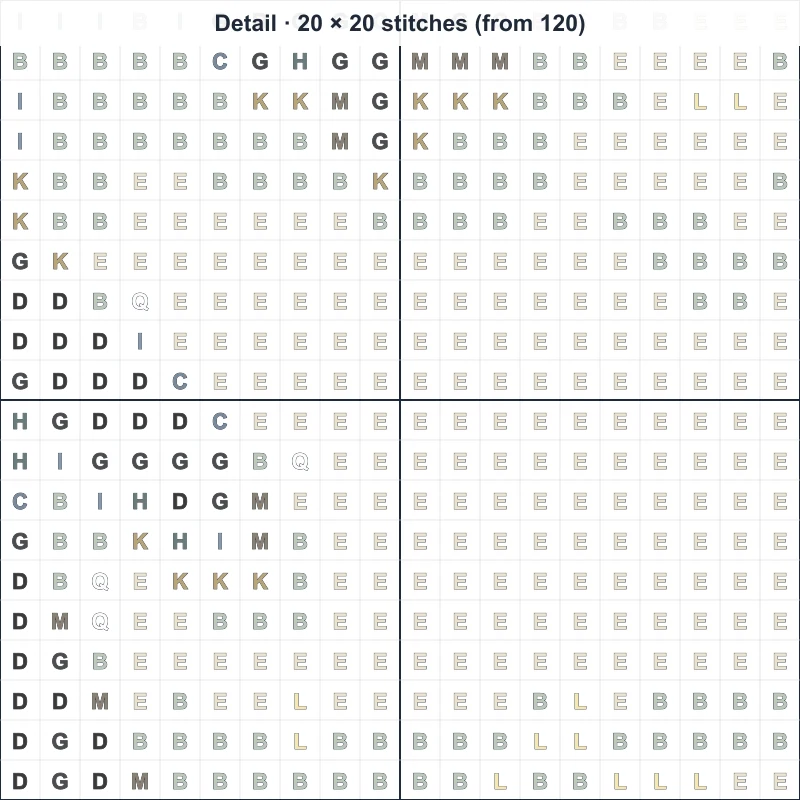
Switch between color and symbol views, repaint single stitches, merge one color into another, and undo or redo. The color and stitch counts update live.
Export free, no watermark
Download a color preview PNG, a symbol chart PNG, or a printable PDF—single page for small charts and paginated A4 or Letter for big ones. No sign-up, no paywall.
From photo to printed chart
Choose a photo
Upload your own image or open the sample. Nothing leaves your device.
Crop & set size
Crop the area you want, pick stitch width and fabric count, and limit colors.
Edit
Preview in color or symbol view, repaint or merge colors, undo and redo.
Export
Download a PNG or a printable PDF—free and watermark-free.
From one photo to a chart you can sew
Crop the subject, set the size and colors, then edit and export—no uploads, no accounts.
1Your photo
Upload any JPEG, PNG or WebP, or try the sample. It stays on your device.
2Set size & colors
Choose stitch width and fabric count; the tool estimates the finished size and limits colors.
3Edit the chart
Repaint stitches, merge colors, switch color and symbol views, undo and redo.
4Print & stitch
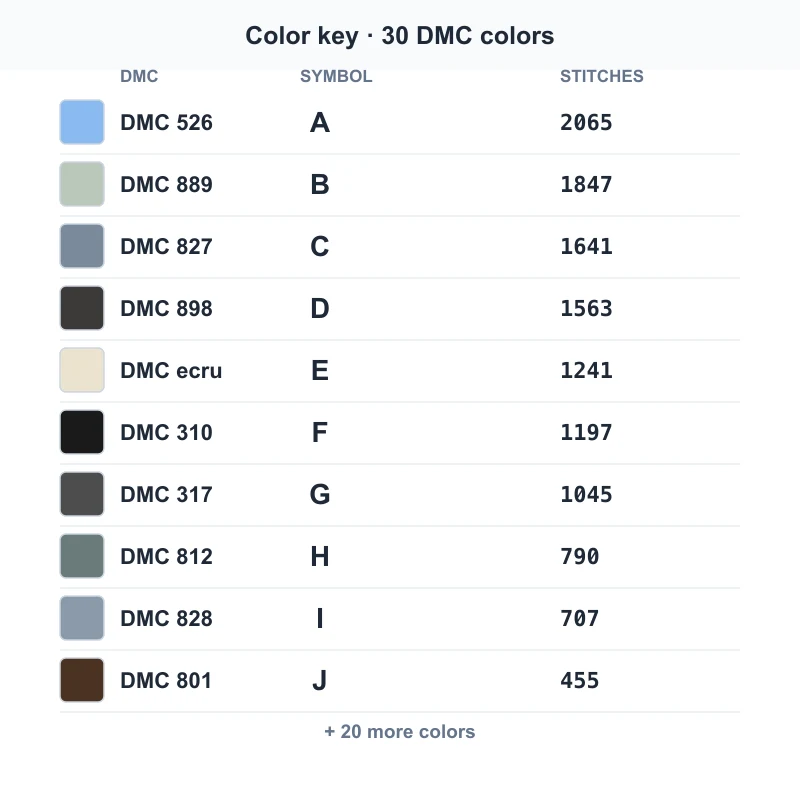
Export a color preview, a symbol chart, or a printable PDF with its DMC color key and start stitching.
What you can export
Pick the file that fits how you stitch and print.
Pattern preview (PNG)
A filled color view of the whole pattern—handy as a reference image.
Symbol chart (PNG)
The grid with symbols, ten-stitch boundaries and the color key you follow while stitching.
Printable PDF
Single page for small charts, or paginated A4 / Letter for large ones, with the color key and an overview.
Who uses the photo to cross stitch converter

Hobby stitchers
Turn a pet, a family photo or a holiday snapshot into a personal cross stitch pattern.

Portrait makers
Convert a photo to a cross stitch pattern with a controlled stitch count and color limit for a clean result.

Teachers & clubs
Make simple, low-color charts from everyday objects for classroom or group projects.

Gift creators
Build a printable chart from a meaningful picture and gift the pattern or the finished piece.
Making a chart you can actually sew
Cara Menggunakan
Add a photo or try a sample
Upload a JPEG, PNG or WebP photo, or start from the built-in sample. Your image stays on your device—this is a private, local converter.
Crop, set size and colors
Crop to the area you want, choose the stitch width and fabric count, and set a maximum number of colors. The estimated size updates as you change it.
Edit the pattern
Preview in color or symbol view, repaint stitches, or merge colors. Everything you change updates the chart and the color key.
Export and print
Download a printable cross stitch chart as a PNG or PDF. Pick a single page for small patterns or paginated pages for large ones.
